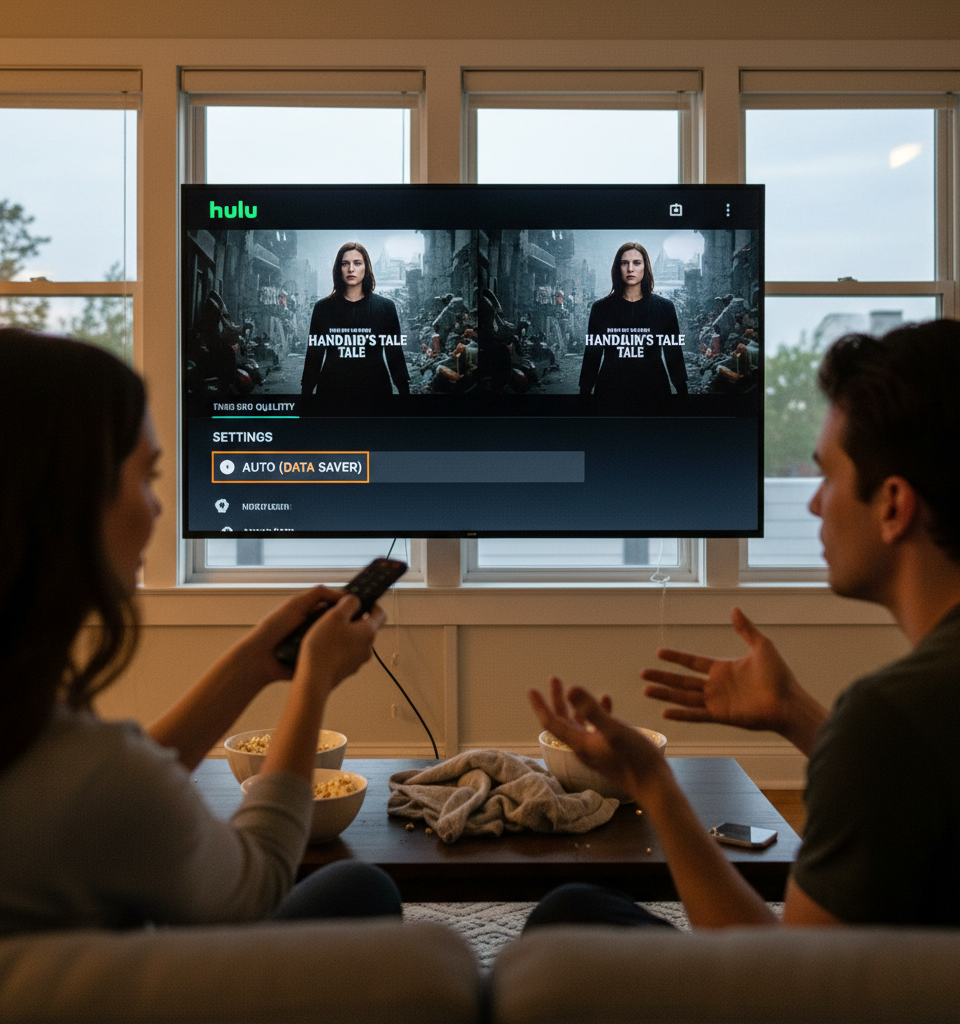
Hulu's default auto-quality settings are subtly but consistently downgrading the visual fidelity of its streaming content for a significant portion of its user base, according to recent observations. This optimization strategy, while aimed at ensuring smooth playback across varied internet conditions, appears to be impacting the high-definition viewing experience even for subscribers with ample bandwidth.
The Mechanism Behind the Downgrade
The core of the issue lies within Hulu's adaptive bitrate streaming, a common technology used by virtually all major streaming platforms. This system dynamically adjusts video quality based on perceived network conditions to prevent buffering. However, in Hulu's case, it seems the algorithm is often erring on the side of caution, selecting lower quality streams even when a user's internet connection could easily handle a higher bitrate. This results in a visual downgrade that, while not immediately obvious to all, detracts from the intended viewing experience. Users who possess a moderately stable and fast internet connection, often exceeding the minimum requirements for high-definition streaming, are particularly susceptible to this subtle reduction in picture quality.
Data Saver Setting: A Double-Edged Sword
A key component in this phenomenon is the "Data Saver" setting within Hulu's user interface. While intended to conserve data for those with limited plans or slower connections, it appears that this setting, or an underlying algorithm mimicking its effects, is often active by default or too aggressively applied. Disabling the "Data Saver" option could potentially unlock higher quality streams for many viewers. However, the fact that users need to manually intervene suggests an imbalance in Hulu's default quality management strategy. This situation highlights a tension between platform-wide efficiency and individual user experience.
Industry Context and User Expectations
This development comes at a time when streaming service providers are under increasing pressure to deliver pristine visual quality, especially with the proliferation of 4K and even 8K displays. Competitors frequently tout their superior picture. Users, having invested in high-speed internet and premium displays, expect their streaming services to deliver content at the highest possible resolution and bitrate their connection can support. Hulu's current approach, if not adjusted, risks undermining viewer satisfaction, especially among those who prioritize visual immersion.
Potential Implications for User Satisfaction
The long-term implications of this subtle quality downgrade could extend to subscriber retention. In a highly competitive streaming market, features like consistent high-quality streaming are pivotal. While a slight reduction in visual fidelity might not trigger immediate cancellations, it contributes to a perception of lower value compared to platforms that consistently deliver sharper images and more vibrant colors. User feedback, though perhaps anecdotal at this stage, suggests a growing awareness and frustration regarding these auto-quality decisions. Hulu's parent company, Disney, has reportedly been focusing on optimizing the efficiency of its streaming operations across its portfolio, and this strategy may be a manifestation of those efforts.
What's Next for Hulu's Quality Control?
It remains to be seen whether Hulu will adjust its default auto-quality algorithms or make its quality settings more transparent and user-friendly. A potential future development could involve more granular control over stream quality settings, allowing users to explicitly choose their preferred bitrate and resolution, overriding the automated system when desired. Clearer communication about the impact of settings like "Data Saver" could also empower users to optimize their own viewing experience. As of now, users with half-decent internet connections are advised to explore their settings and manually toggle off any data-saving features to potentially enhance their picture quality.