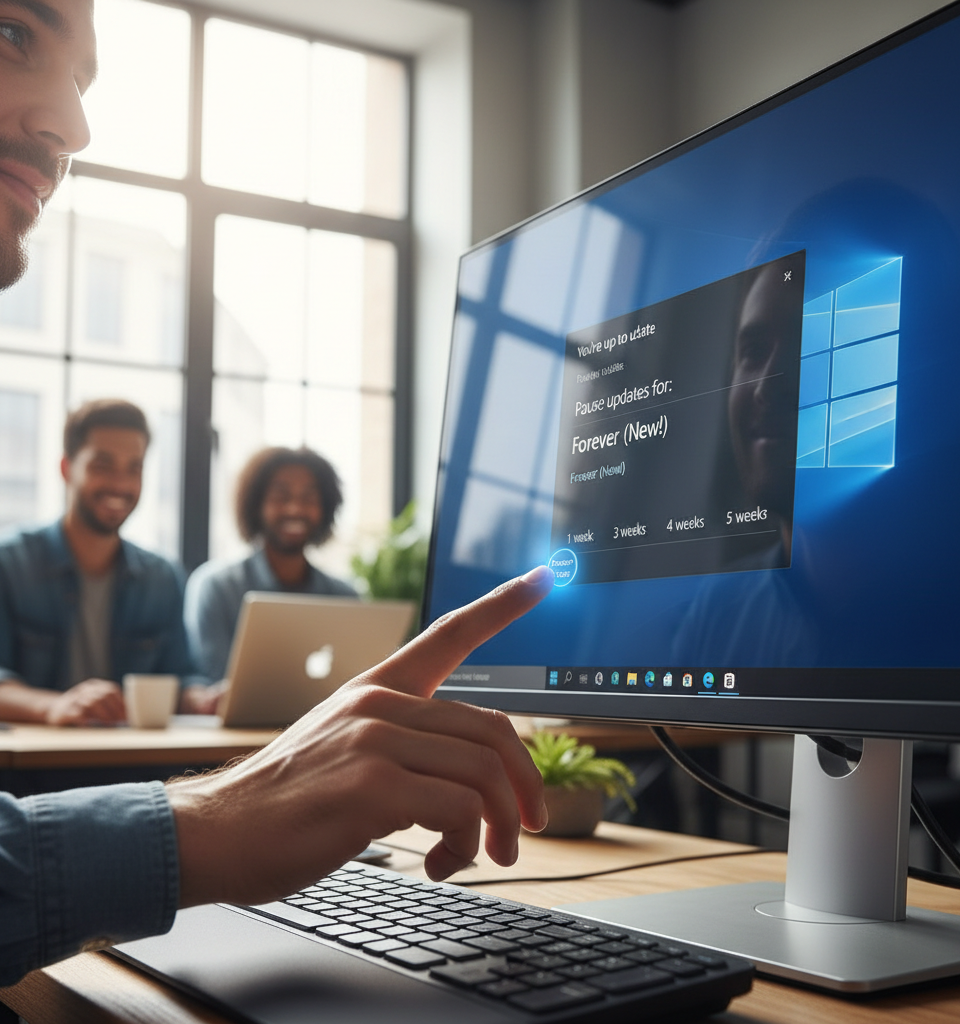
Microsoft has announced a pivotal change to its Windows Update policy, granting Windows 11 users the ability to pause system updates for indefinite periods. This new functionality, revealed on the official Windows blog, enables users to extend update pauses well beyond previous limits, effectively putting an end to unwanted interruptions during important meetings or intense work sessions. The decision marks a significant commitment by Microsoft to enhance user autonomy and address widespread complaints regarding the often-disruptive nature of forced updates.
Addressing Long-Standing User Frustrations
For years, Windows users have voiced discontent over the automatic and sometimes untimely application of system updates. These forced restarts have frequently led to lost work, disrupted presentations, and general frustration, particularly for professionals operating under tight deadlines or gamers in the midst of critical gameplay. Previous iterations of Windows offered limited control, typically allowing pauses for a maximum of 7 to 35 days, after which updates would inevitably install. This new policy fundamentally alters that dynamic, offering a more granular and persistent control mechanism that was previously unavailable to the average user.
How the "Forever Pause" Works Under the revised system, Windows 11 users can now initiate an update pause for a default period of 35 days.
Crucially, once this initial period expires, users are presented with the option to reset and extend the pause again for another 35 days, indefinitely. This mechanism provides a sustained deferral option, allowing users to schedule updates at their convenience rather than being dictated by Microsoft's release schedule. While the underlying aim of updates — to enhance security, introduce new features, and fix bugs — remains critical, this change offers flexibility without compromising the long-term integrity of the operating system, as users will eventually need to install accumulated updates when they choose to resume. The feature is primarily accessible through the "Windows Update" section in the system settings.
Impact on the Enterprise and Broader Ecosystem
This policy shift is expected to have a particularly positive impact on business environments, where unscheduled downtime can translate into significant financial losses. While enterprise-grade versions of Windows have historically offered more robust update management tools, this newfound flexibility for consumer and small business users levels the playing field, reducing the support burden on IT departments and minimizing disruptions to productivity. For hardware manufacturers, a more predictable update cycle from the user's perspective could lead to fewer compatibility complaints, as users can opt to delay updates until driver issues are fully resolved. The move also enhances Windows 11's appeal in a competitive OS market, where user experience and control are increasingly becoming key differentiators.
Expert Perspectives: A Welcome Shift Towards User Empowerment
Industry analysts have largely lauded Microsoft's decision. "This is a smart move by Microsoft, recognizing that user experience is paramount in today's tech landscape," noted Dr. Eleanor Vance, a lead analyst at TechInsights Group. "The 'forever pause' isn't about avoiding updates entirely, but about empowering users to decide when those updates occur, significantly reducing friction points that have plagued Windows for years." Other experts highlight that this change reflects a broader industry trend towards greater consumer control over digital products and services. "Companies are realizing that a paternalistic approach to software updates often backfires," commented cybersecurity consultant Mark Jenkins. "Giving users agency over their machines fosters trust and ultimately leads to better adoption of necessary security patches, as users feel less coerced."
What Lies Ahead: Balancing Control with Security
While this update addresses a major pain point, the long-term implications will depend on how users manage this newfound flexibility. Microsoft will undoubtedly continue to emphasize the importance of timely updates for security and performance. It remains to be seen if the company will introduce educational prompts or reminders to encourage users to eventually install pending updates, especially critical security patches. Future enhancements might include more sophisticated scheduling options or even AI-driven suggestions for optimal update times based on user activity patterns. This significant step towards user control is likely just the beginning of a broader evolution in how operating system updates are managed, balancing necessary maintenance with individualized user preferences.