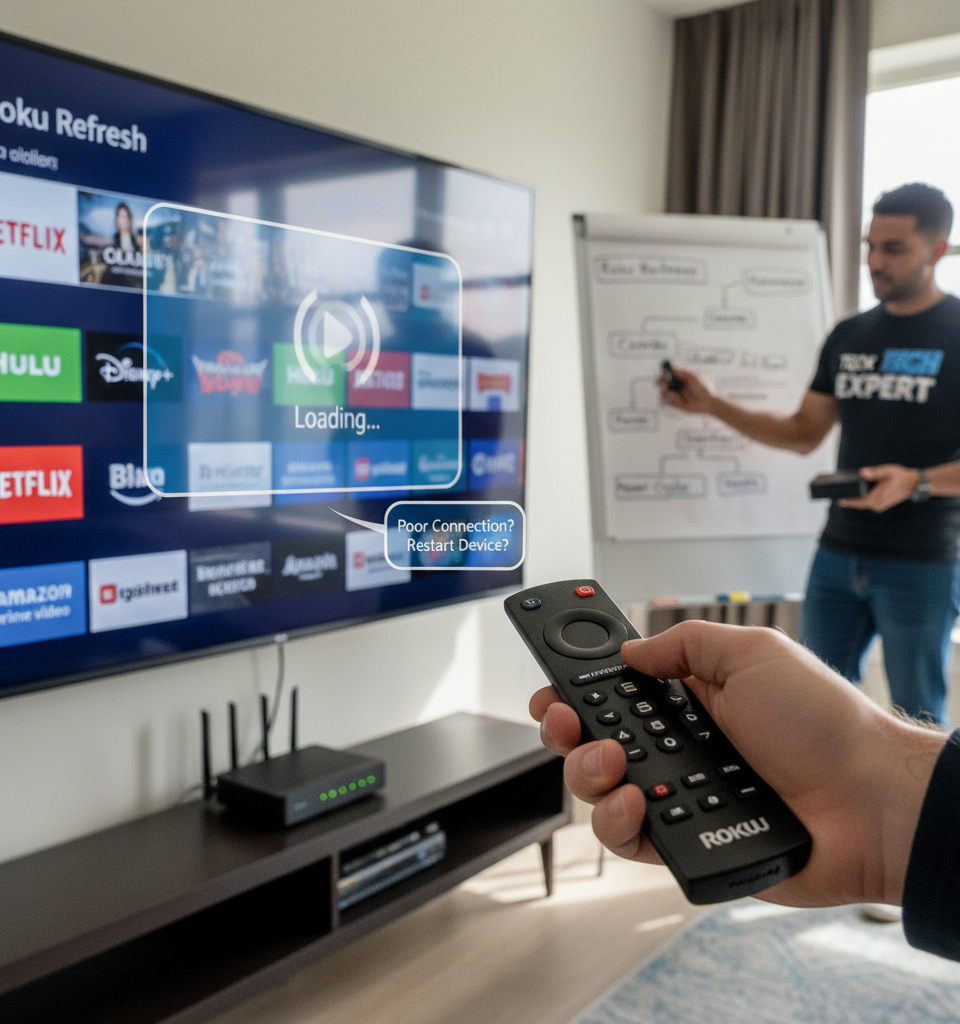
Amidst the ubiquitous adoption of streaming services, a common pain point for many consumers is the intermittent sluggishness and unresponsiveness of their Roku devices. While the immediate instinct often points to an overburdened Wi-Fi network, a deeper dive into device diagnostics reveals that the problem frequently originates within the Roku unit itself. This report outlines nine expert-backed fixes that users can implement to significantly enhance their device's performance, often circumventing the need for costly internet service provider interventions or hardware upgrades.
Roku, a pioneer in the streaming media player market, commanded an impressive 31% share of connected TV devices in the U.S. in the third quarter, according to recent analysis from Parks Associates. Its widespread presence means that millions of households are susceptible to these performance hiccups. The issue isn't necessarily a design flaw but rather a culmination of software updates, accumulated cache, and device settings that can degrade user experience over time. Addressing these internal factors first can save users considerable time and frustration.
Key Performance Enhancement Strategies
One of the simplest yet most effective remedies is a system restart, not just a remote control power cycle, but an actual reboot through the device's settings menu (Settings > System > System restart). This clears temporary data and can resolve minor software glitches. Another crucial step is to check for software updates (Settings > System > Software update), as Roku frequently releases patches that improve stability and performance. Outdated firmware is a common culprit for slow application loading.
Beyond basic restarts and updates, users should consider managing installed channels. While it’s tempting to keep every streaming service installed, dormant apps consume processing power and storage. Deleting unused channels (highlight channel > press * > Remove channel) can free up valuable resources. Furthermore, disabling channel auto-updates (Settings > System > Software update > Check for updates > Roku OS > Disable) gives users more control, preventing unexpected background activity that can slow down performance during peak usage. For persistent issues, factory resetting the device (Settings > System > Advanced system settings > Factory reset) can be a powerful, albeit last-resort, solution, returning the Roku to its original state and often resolving deeply rooted software conflicts.
Impact on the Streaming Ecosystem
The ability to troubleshoot and maintain streaming device performance is critical for the broader over-the-top (OTT) market. With consumers having a plethora of choices, from smart TVs to various dongles and set-top boxes, a consistently poor user experience on a single platform can lead to churn and brand abandonment. Device manufacturers like Roku are under constant pressure to deliver seamless performance, especially as streaming content moves towards higher resolutions like 4K and 8K, demanding more robust hardware and optimized software. Analyst firm Statista projects global streaming market revenues to reach nearly $100 billion this year, underscoring the fierce competition and the importance of device reliability.
Expert Analysis on User Empowerment
"The vast majority of streaming performance issues we encounter at the consumer level are resolvable with basic device management, not network overhauls," explains Dr. Evelyn Reed, a senior technology analyst at Digital Home Insights. "Users often overlook the simple power of a restart or managing their installed applications. These devices are mini-computers, and like any computer, they benefit from occasional maintenance." Dr. Reed emphasizes that while Wi-Fi certainly plays a role, a healthy device foundation ensures that the network's bandwidth is utilized efficiently, rather than being bottlenecked by an internal software issue.
Looking Ahead: Towards More Resilient Streaming
The trend in streaming device development points towards greater integration of self-diagnostic tools and more intuitive user interfaces for performance management. As Roku and its competitors continue to evolve, future iterations may include features that automatically manage background processes, suggest channel cleanups, or provide real-time performance feedback to users. These advancements aim to reduce friction and improve the overall longevity and satisfaction derived from streaming devices, ensuring that the focus remains on content consumption rather than technical troubleshooting.
The goal is to make these devices as 'set-and-forget' as possible, even as demands on them increase. Additionally, ongoing improvements in Wi-Fi standards, such as Wi-Fi 6E and upcoming Wi-Fi 7, promise greater bandwidth and lower latency, which will inherently benefit the streaming experience once internal device performance issues are addressed.